Module 5: The mature stack
Identifying symptoms in your CRM and tech stack
Before you can address the root causes of CRM and tech stack issues, you need to identify the symptoms, the visible signs that something isn't working as it should.
2.1 Introduction: the role of symptoms in diagnosis
Before you can address the root causes of CRM and tech stack issues, you need to identify the symptoms, the visible signs that something isn't working as it should. Recognizing these symptoms is the first step in tracing them back to their underlying causes.
2.2 Common symptoms and their manifestations
Here are some common symptoms you might encounter, along with hypothetical examples to illustrate how they can show up in mature organizations.
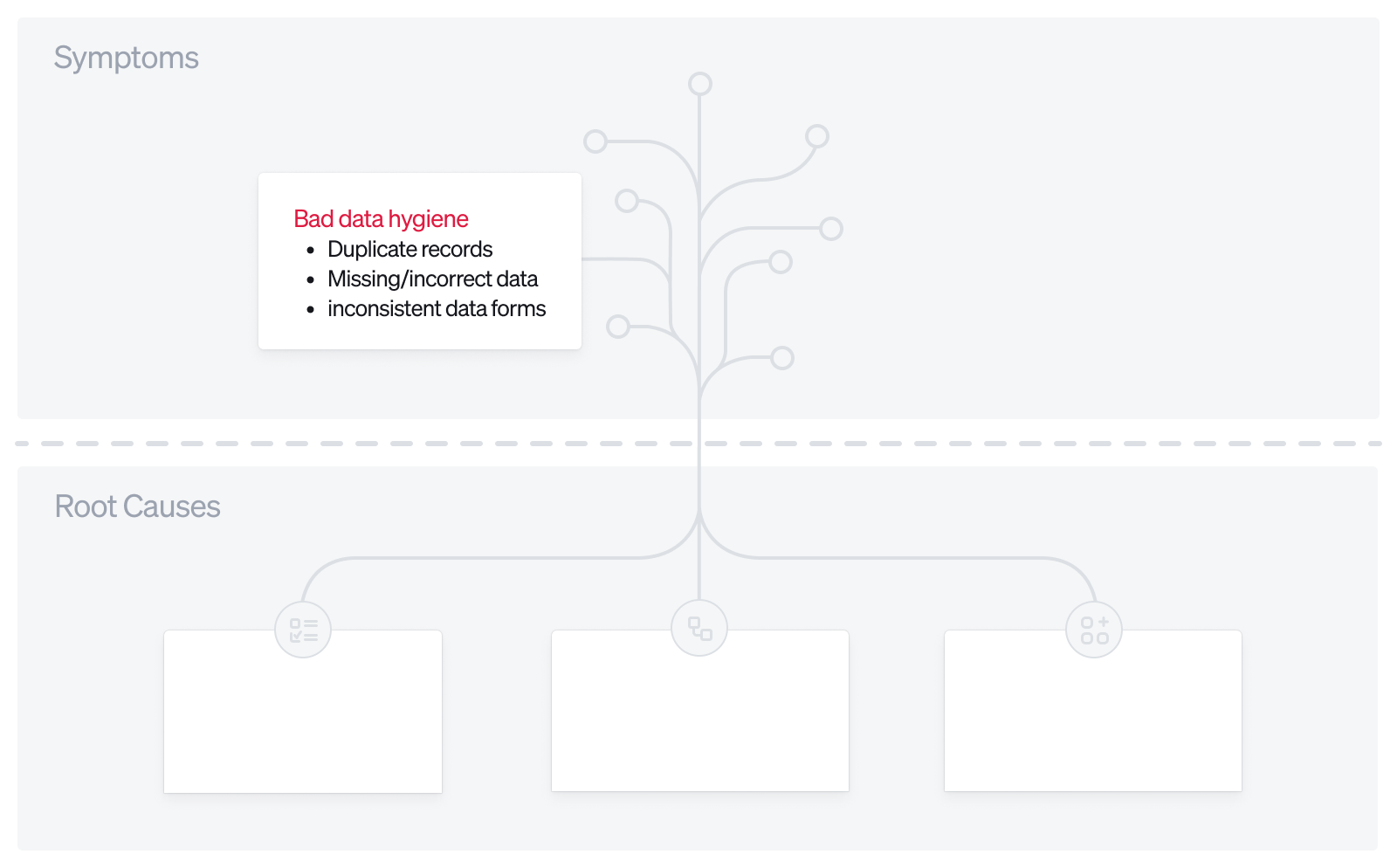
Symptom 1: Bad data hygiene
- Manifestation: Duplicate records, missing or incorrect data, inconsistent data formats.
- Some of this is driven by human error, since in most major CRMs a lot of elements are still entered manually, something the newer generation of AI-native CRMs is working to change.
- But this also happens on the backend. Often we're connecting 10+ tools to the CRM, and they are all adding data at once, frequently without rules or oversight. That's why tools like LeanData exist to manage what comes in. In the near future, we should be able to handle all of this inside the CRM itself.
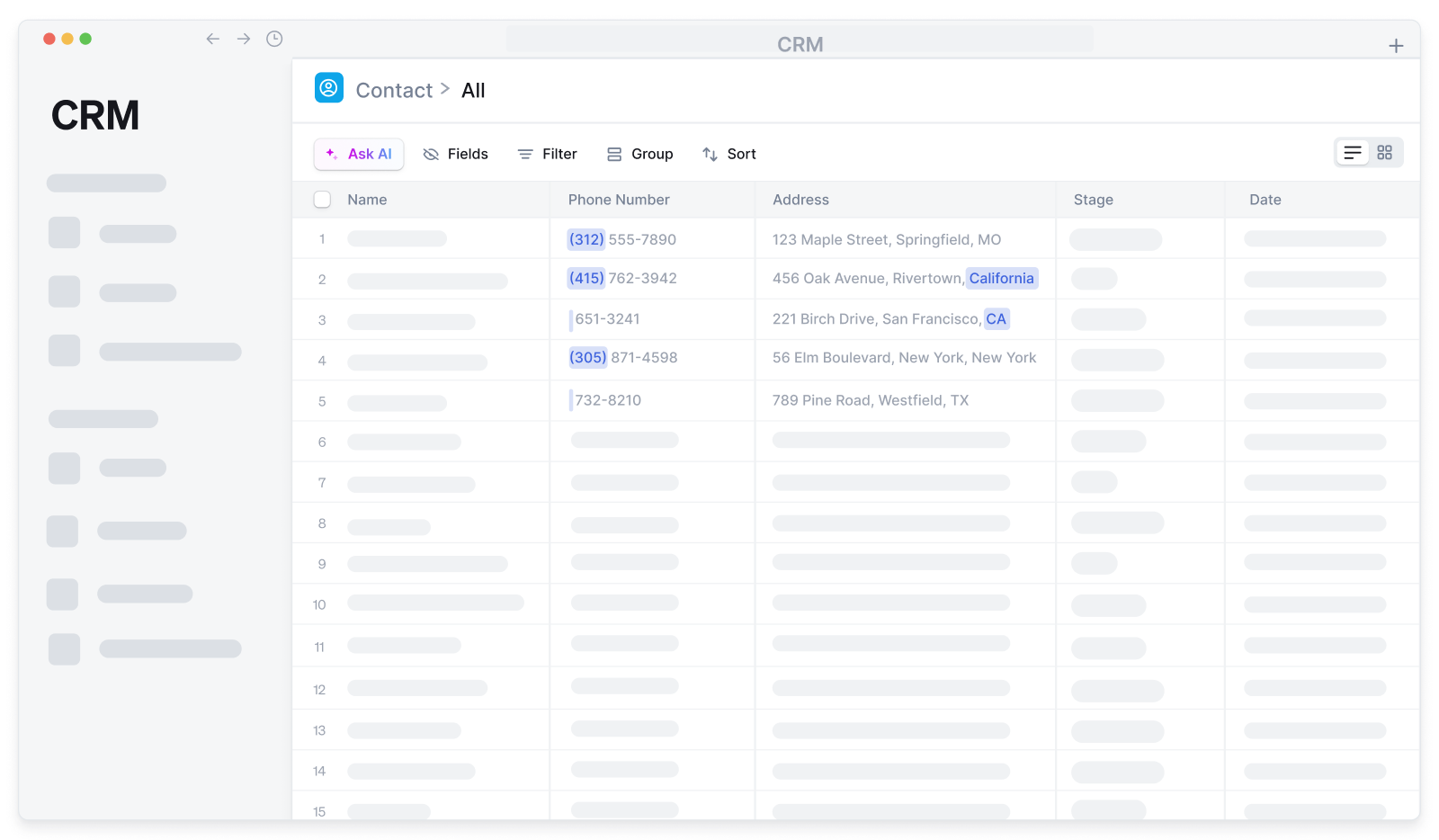
- Example: Inconsistent format on phone numbers is a common one. Often you'll see phone numbers with country codes and without, with area codes and without, and so on. With addresses, you might see some entries with states spelled out and others abbreviated. This inconsistency leads to difficulties in filtering and segmenting data for marketing campaigns, resulting in lower engagement rates.
- Example 2: We store user attributes in the CDP, populated by user-inputted data, ZoomInfo, and Clearbit. However, we're sending data from the CDP, ZoomInfo, and Clearbit directly to the CRM without checks to ensure this information is up-to-date, relevant, or free from duplication.
- Possible Impact: Inaccurate reporting, ineffective marketing efforts, poor customer experiences.
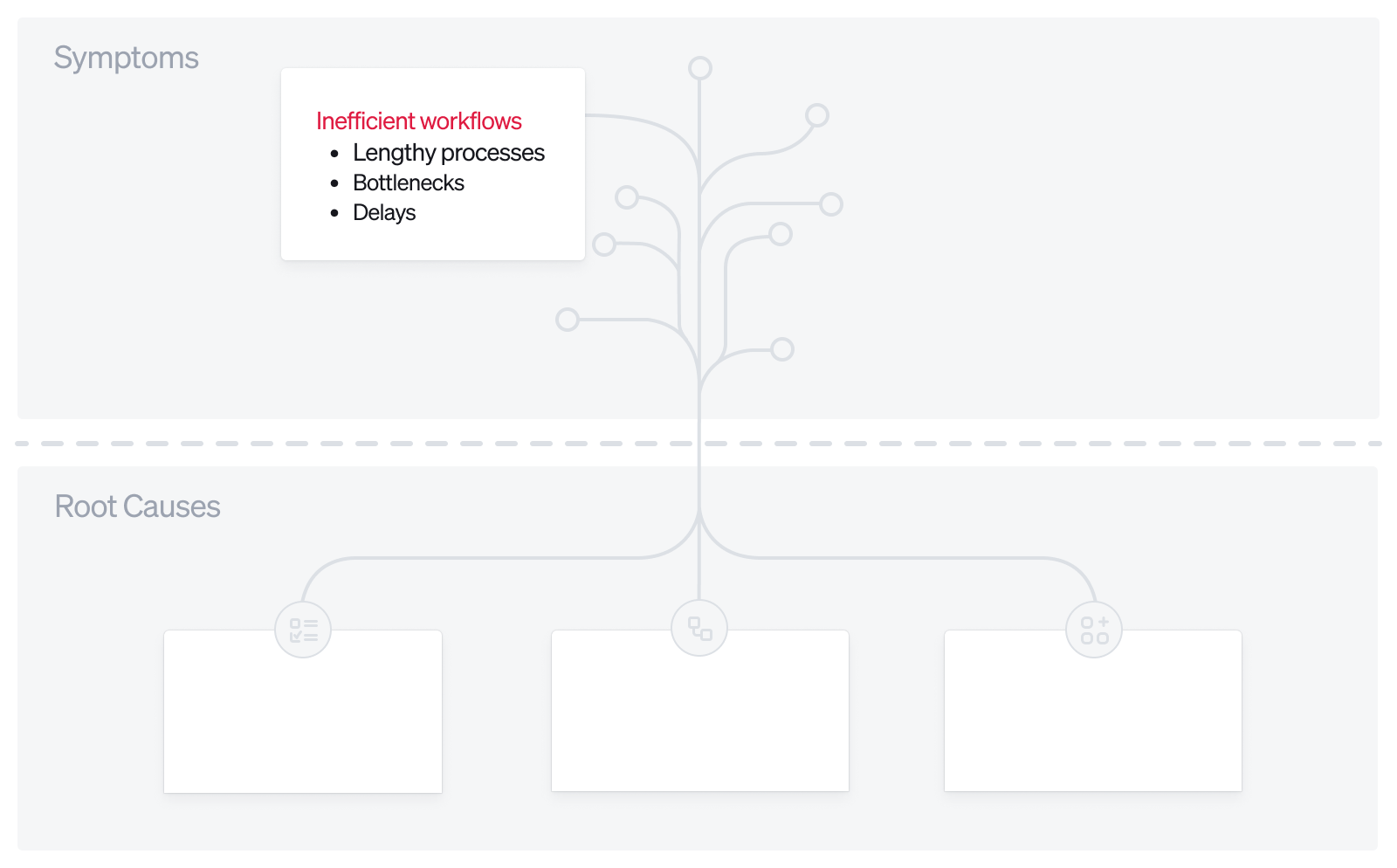
Symptom 2: Inefficient workflows
- Manifestation: Processes take longer than they should, with bottlenecks and delays.
- Example: A customer support team uses a separate ticketing system that isn't integrated with the CRM. Support agents have to manually update customer records after resolving each ticket, leading to delays and potential errors. Customers receive follow-up emails with outdated information, reducing satisfaction.
- Possible Impact: Decreased productivity, higher operational costs, diminished customer satisfaction.
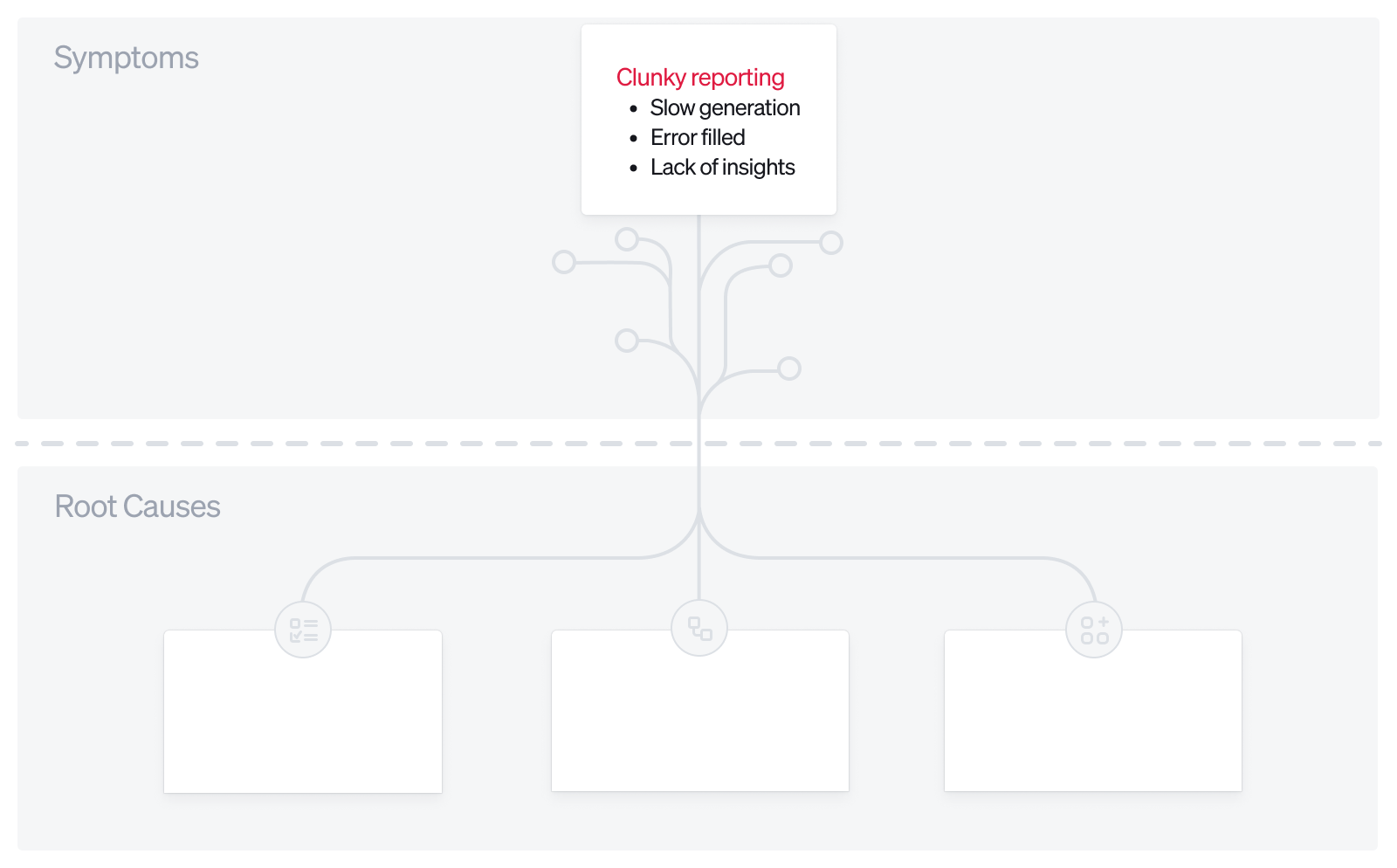
Symptom 3: Clunky reporting
- Manifestation: Reports are slow to generate, contain errors, or don't provide the needed insights.
- Example: A marketing manager wants to assess the performance of recent campaigns. However, due to inconsistent data entry and disconnected systems, the generated reports are incomplete and sometimes contradictory. Making informed decisions becomes challenging.
- Example 2: A sales manager wants to understand pipeline better but can't, because the fields needed across contact, opportunity, and company are confusing. It's hard for them to create the report they want, so they give up or go to data engineering to run a SQL query, which may take weeks. By then the problem-solution dynamic has faded. The organization suffers friction.
- Possible Impact: Inability to make data-driven decisions, wasted marketing spend, missed opportunities.
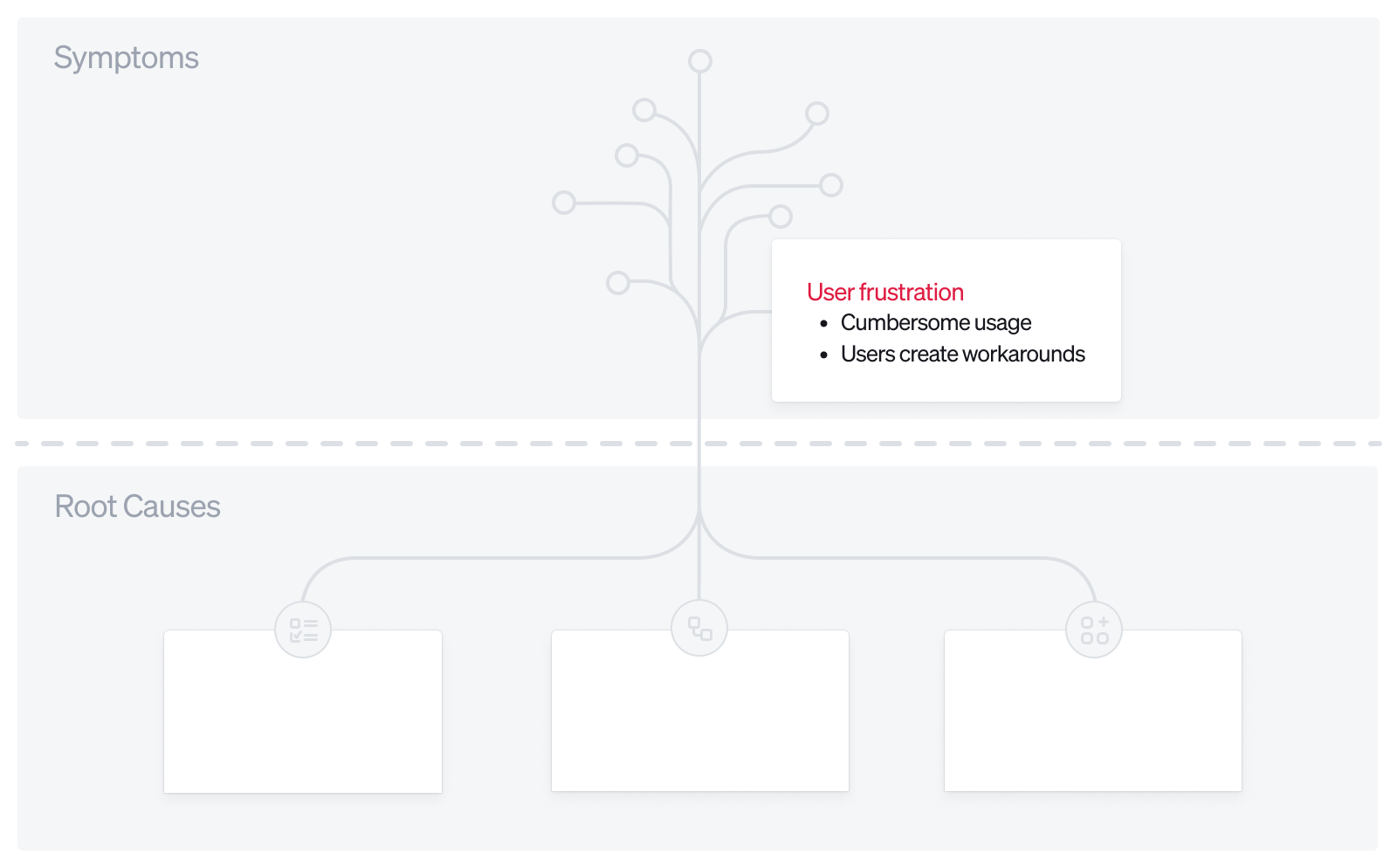
Symptom 4: User frustration and workarounds
- Manifestation: Users find the system cumbersome and create their own workarounds, such as using spreadsheets or other tools outside the CRM.
- Example: Sales reps find the CRM's interface unintuitive for logging interactions. They start recording notes in personal documents or third-party apps. Management loses visibility into customer interactions, hindering pipeline forecasting.
- Possible Impact: Data silos, security risks, reduced team collaboration.
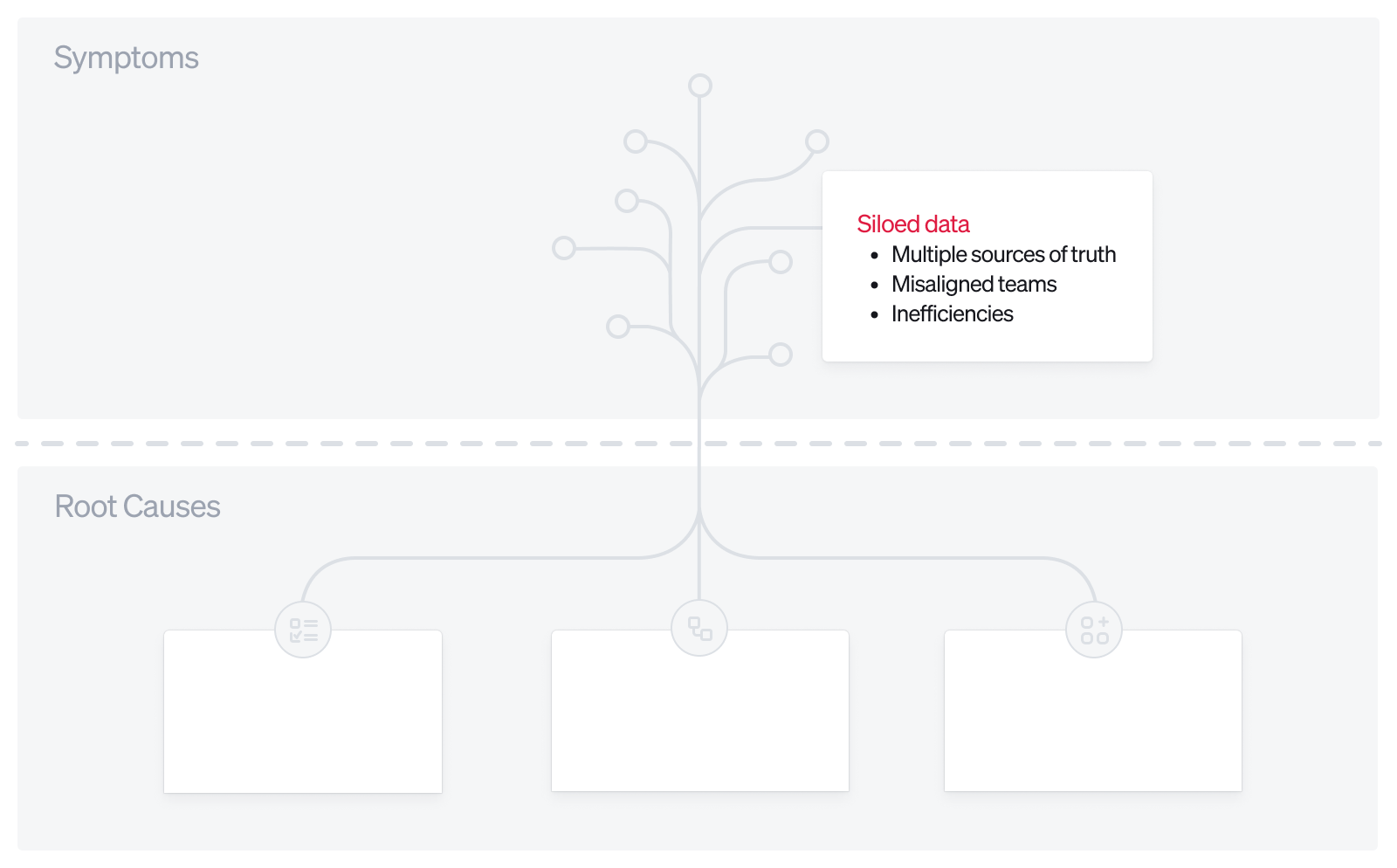
Symptom 5: Siloed data and multiple sources of truth
- Manifestation: There are multiple sources of truth, and teams aren't aligned on using the same set of tools to answer business questions, leading to misalignment and inefficiencies.
- Example: At Ramp, analysts across growth and marketing ran CRM reports in Salesforce, but our warehouse was the source of truth. There wasn't always 1:1 alignment between data in the CRM and the warehouse, due to time lags, silos, system errors, and more.
- Possible Impact: Inaccurate decision-making, misaligned strategies, reputational damage.
2.3 Collecting symptoms in your organization
To effectively diagnose the root causes, systematically collect the symptoms present in your organization:
- Conduct surveys and interviews.
- Approach: Talk to team members across different departments to gather firsthand accounts of issues.
- Questions to ask:
- What are the biggest challenges you face with our current CRM?
- Are there any tasks that you find particularly time-consuming or frustrating?
- Do you use any workarounds to accomplish your tasks?
- Why do you think this is happening, and what would you suggest doing about it?
- Analyze system logs and reports.
- Approach: Review logs for errors, performance issues, and usage patterns.
- What to look for:
- Frequent system errors or crashes.
- Low adoption rates of certain features.
- Unusually high data correction rates.
- Review existing processes and workflows.
- Approach: Map out current workflows to identify inefficiencies. Here, you should actually draw out your data stack, your sales process, and your customer journey to understand how these flows come together.
- What to look for:
- Steps that require manual data entry or transfer.
- Processes with multiple approval layers causing delays.
- Redundant or unnecessary tasks.
2.4 Documenting symptoms effectively
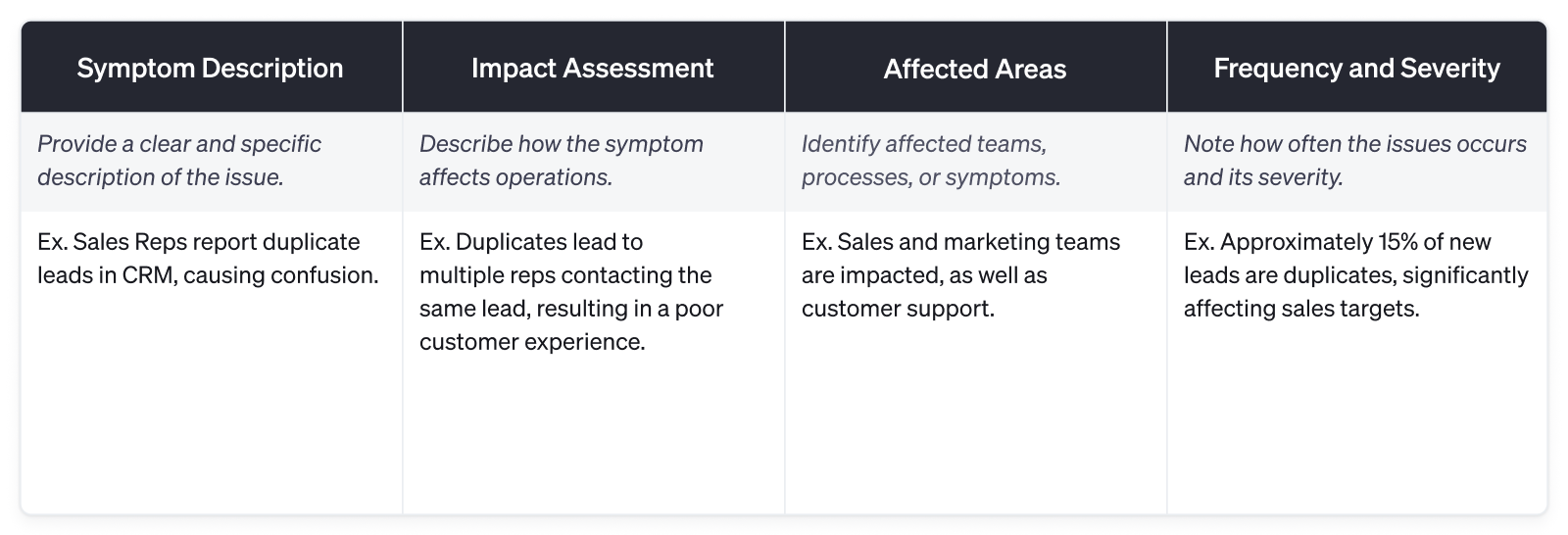
Create a comprehensive list of the symptoms you find, capturing where each one shows up, how often, and who it affects.
2.5 Preparing for root cause analysis
With a detailed list of symptoms, you're ready to dive into diagnosing the root causes. In the following lessons, I'll explore how rituals, connections, and tools contribute to these symptoms, and discuss strategies to address them.
As you go through this process, adopt the mindset of an independent auditor. It's extremely easy to blame tools, but harder to recognize when your rituals or stack setup is actually the problem. Be deeply self-critical in the next few steps.